An AI-enhanced design system
I created an AI assisted workflow that connects our design system to Claude and Figma, and it ships production ready code with our components.
Faster iteration
LLMs build Figma files and prototypes straight from the component library.
Cleaner handoff
Designers hand off production ready React code, not specs to interpret.
One pattern language
A growing pattern library shared across all 6 product suites.
Time back for UX
Designers spend their time on design decisions, not library upkeep.
Getting our design system ready for AI
CDK Global builds software for auto dealerships. Its design org spans 6 product suites, and most of them are built on Radial. As LLMs got good enough to read and write Figma, generate components from code, and turn designs into production ready output, Radial was in the right place to become the backbone of a new way of working.
The question was whether I could architect the system so all of that worked reliably across a large, multi-team organization.
LLMs can build in Figma.
If the Figma library is tightly coupled to the React codebase, an LLM can generate accurate, production-backed files and prototypes on demand.
LLMs can translate Figma to code.
Components map 1:1 to the library, so a Figma design hands off as real React code.
Patterns break down silos.
Documenting shared patterns gives 6 product suites one vocabulary and one place to look.
Designers focus on UX, not UI.
When tooling handles assembly and handoff, people spend their time on decisions that need design thinking.
Designing the system and making the case for it
This was as much a people problem as a technical one. New tooling only works if designers trust it and have a reason to change. I identified the opportunity, designed the architecture, and pitched it at every level of the org.
I was deliberate that this was never about replacing designers. It was about removing the work that eats time without needing creative or strategic thinking: maintaining Figma libraries, rebuilding components, decoding vague handoff specs.
Opportunity
Saw that LLMs with Figma access could take over the parts of design work that don't need creative thinking.
Architecture
Designed the prop mapping system, token pipeline, Storybook bridge, and AI governance model.
Org design
Defined two designer workflow modes and mapped how each product team would adopt them.
Executive alignment
Built and presented the approval deck to leadership. It secured buy-in and resourcing.
How it works
The key call was treating the React library as a hub. Every workflow is a spoke off the same source of truth, so LLMs, designers and developers each use it in the direction they need.
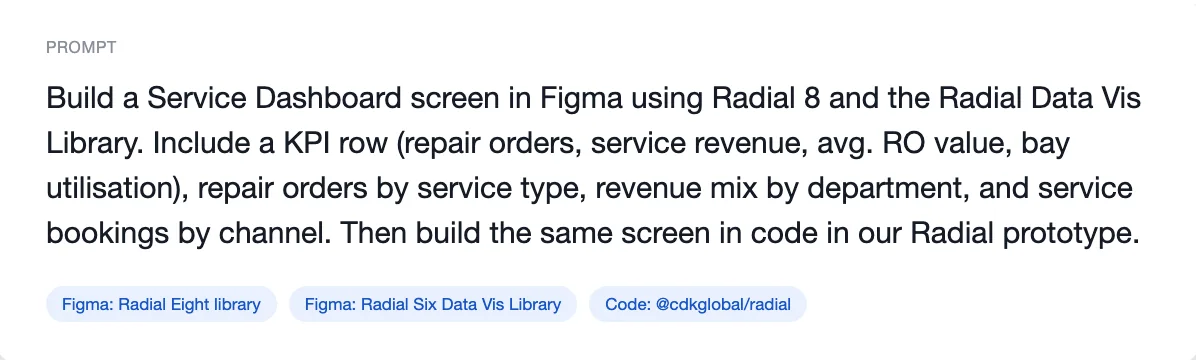
Prompt an LLM to build Figma files and prototypes from the library.
Hand off production ready React straight from a Figma design.
High-fidelity prototypes backed by real components.
REACT COMPONENT LIBRARY
Single source of truth
An LLM translates the React build to another framework when needed.
Code-backed patterns shared across all 6 product suites.
Tokens flow from React to Figma Variables on every release.
React at the center. Each spoke is a workflow on the same source of truth.
Key decisions
Storybook bridge
An LLM reads the component stories, pulls every prop and variant, and generates matching Figma components. On every PR, a CI step diffs stories against the Figma library and flags drift before it merges.
Why: stories encode intent, not just implementation, so they make a more reliable source for design-accurate components than the raw code.
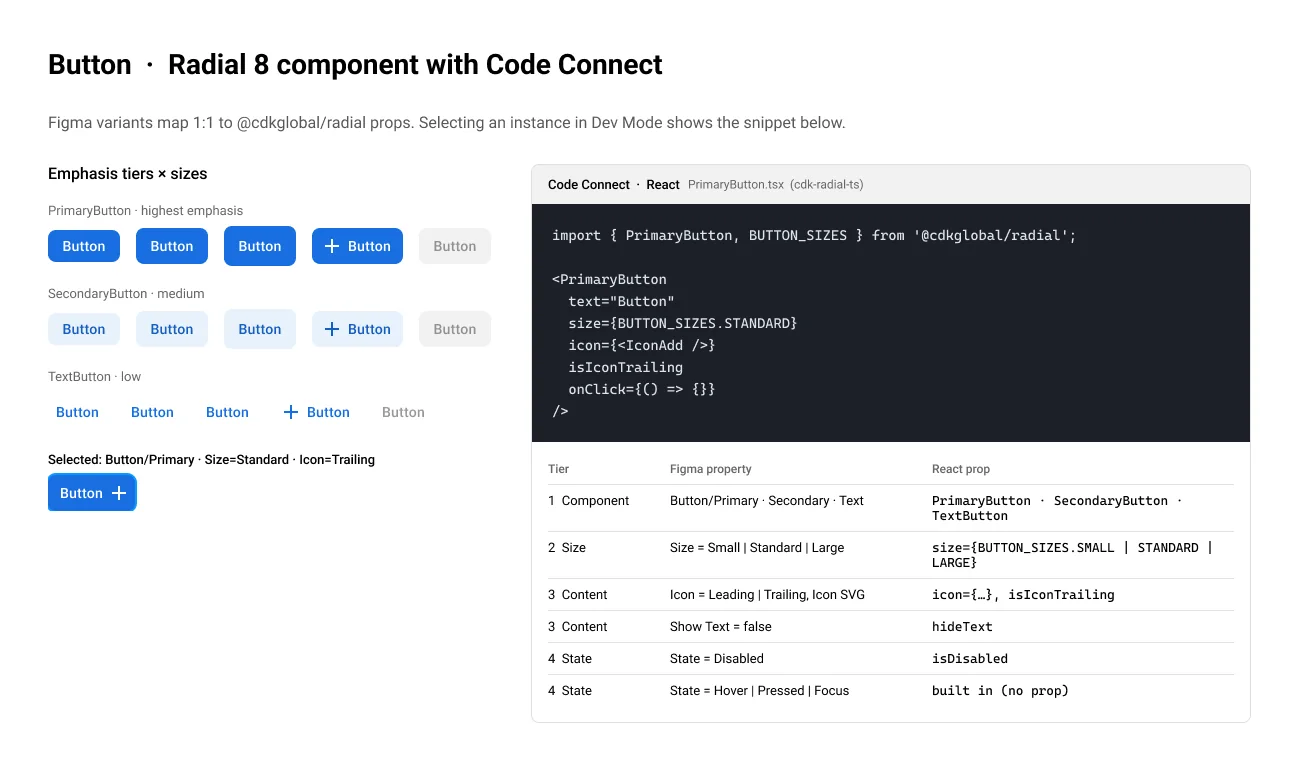
Prop mapping
A Button has 14 props. A designer needs to see 5. I first tested two tiers, and the handoff output came back incomplete: it blurred props that always take a sensible default with props a developer has to decide before shipping. Splitting them fixed it.
Review before it ships
AI-generated components go through the same review as any release. Prompts are versioned in git next to the React source, and a UX architect checks each component for fidelity, accessibility and correctness.
Why first: the risk of moving fast without a gate was trust, not just quality. One inaccessible component shipping early would have made the whole initiative harder to sustain.
What changed for the design org
It's shipped to the entire organization and is in daily use on real product work. Exploration stays freeform: sketching, whiteboarding, early concepts. Production is where things change. Designers assemble from the pattern library, handoff produces production ready code, and time that went to UI upkeep goes to research and design thinking.
What works, and what's still hard
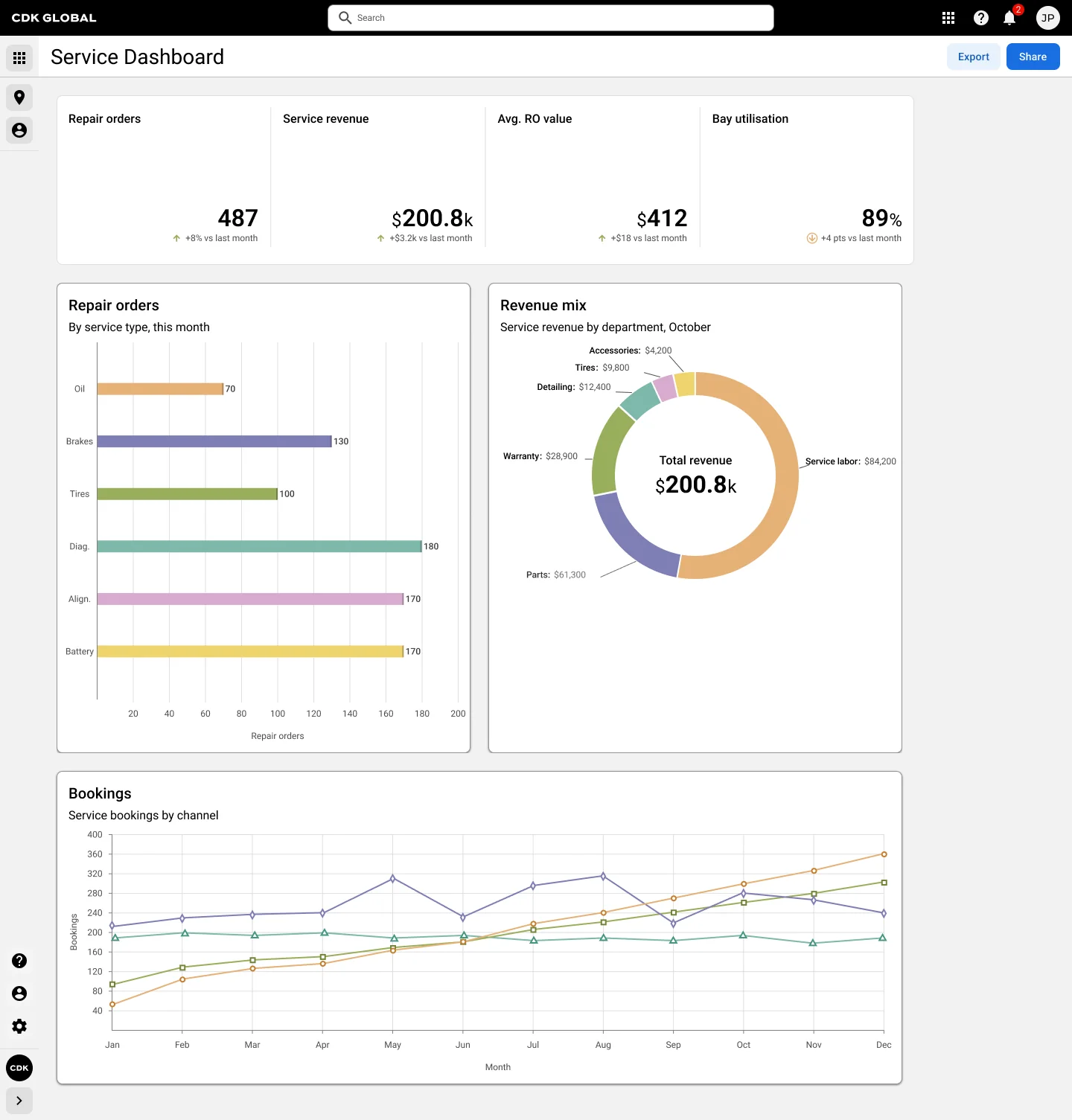
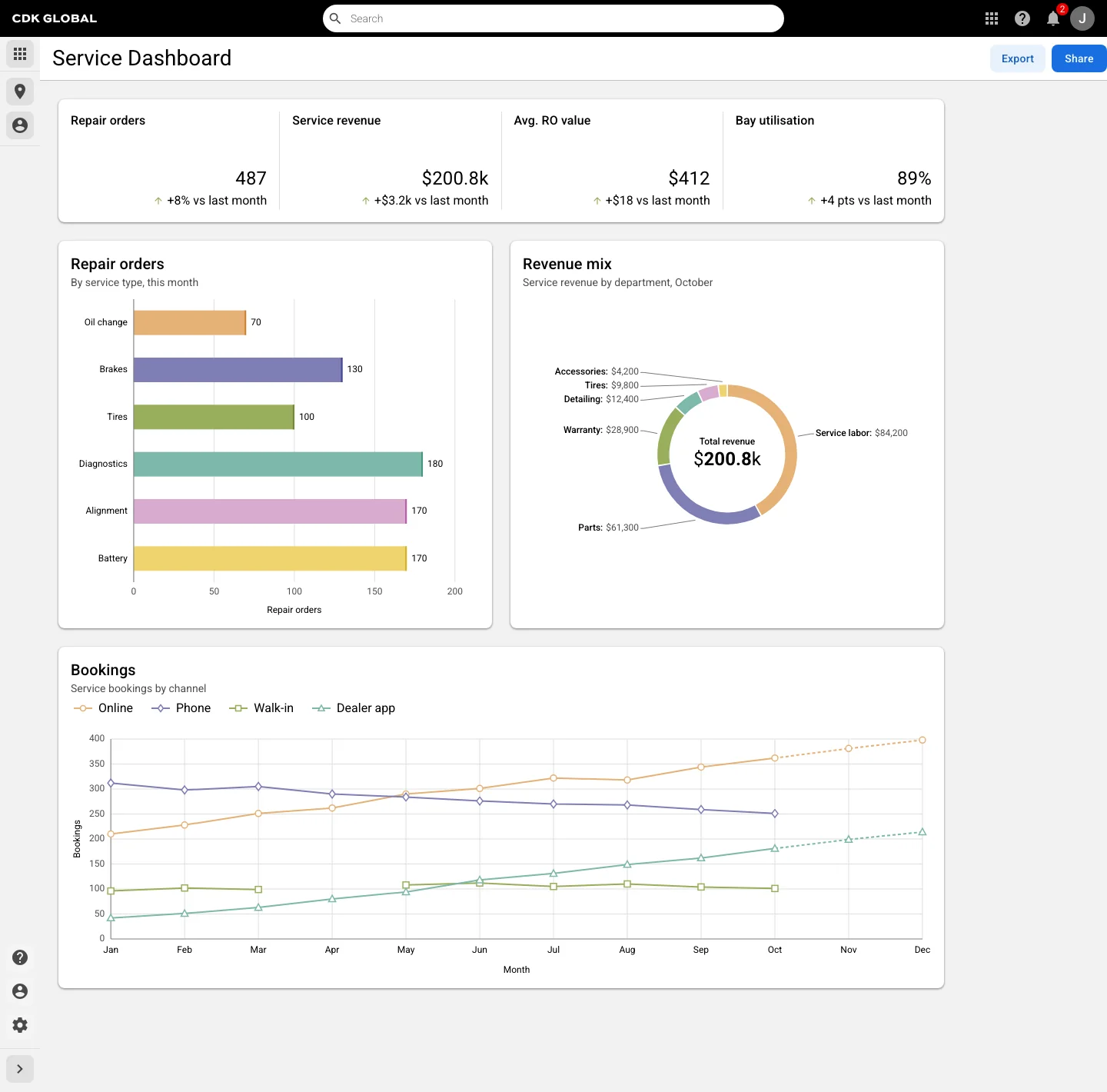
Figma read and write
The LLM creates, edits and manages Figma files with correct component usage.
Complex prototyping
Prototypes go well past what native Figma can do once connected to the React library.
Organism rendering
Multi-component compositions like navigation still break at the composition level. It's the real stress test of the system.